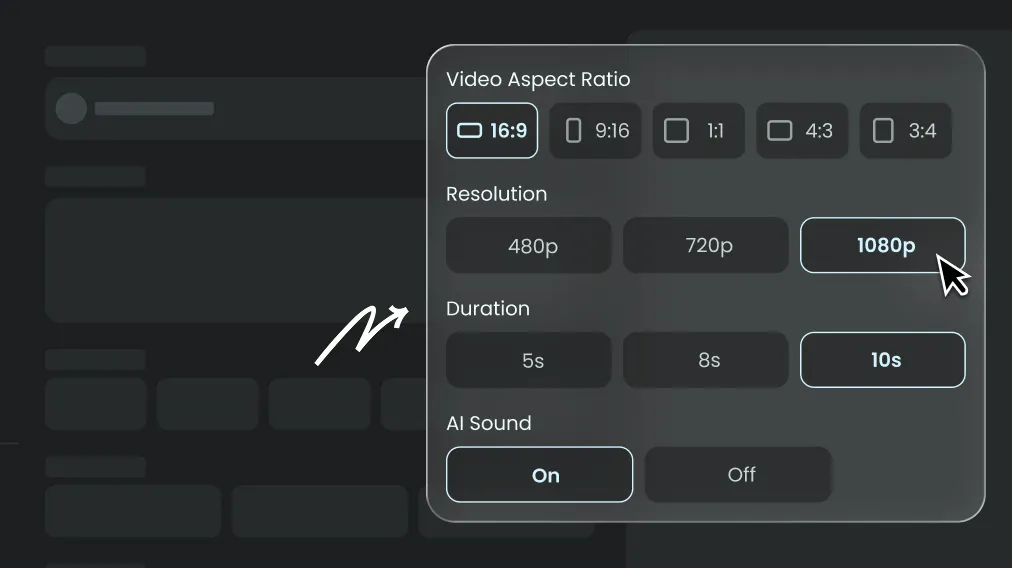
Turn a written scene into video with compatible AI models and guided controls.
Prompt
Context: A panda named Bamboo and a red fox named Tweed host a witty podcast called Quantum Quibbles. Bamboo welcomes the audience, Tweed introduces himself, and together they announce today's topic: quantum entanglement. Natural dialogue, expressive gestures and synchronized speech.
Why Use Text to Video AI in AIEnhancer
Text to Video AI turns a written idea into complete scenes, motion and camera direction in one browser workflow—no source footage or editing timeline required.
Imagine It. Watch It Happen.
Text to Video AI starts with words and lets AIEnhancer translate your scene, action and visual style into motion.
On the streets of a ruined apocalyptic city, an orange Lamborghini drifts at high speed. Massive explosions, flying debris and billowing smoke create a high-contrast cinematic world of destruction and speed.
AI Text-to-Video Generation Models
Text to Video AI lets you switch between realistic and stylized models to create the exact look and feel you want.
All-in-One Video Tool
From Words to a Complete Video
For Social-Ready Content
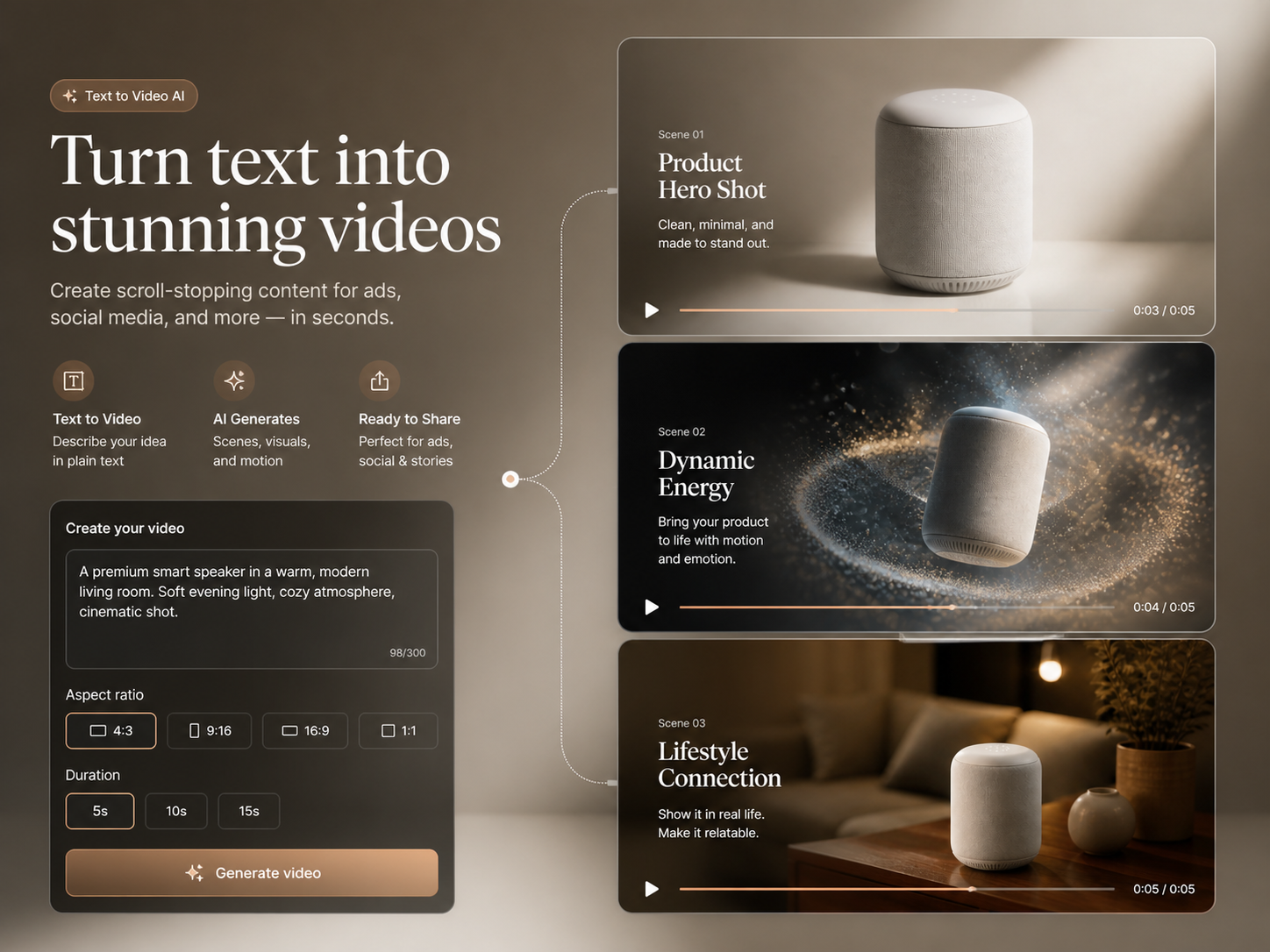
Turn any idea into ready-to-share videos in the right format for every platform.
Smart Tools, Simple Workflow
Direct scenes, motion and camera behavior with a prompt—no manual timeline needed.
High-Quality Output
Create polished motion, clean visuals and cinematic transitions directly from text.
Save Time and Cost
Generate more video concepts without shoots, stock footage or extra editors.
How to Create AI Video from Text
Create a video in three clear steps: choose a model, write a detailed prompt and generate.
Affordable Plans for Every Creator
Simple Pricing, No Surprises
FOR EXPLORING
Lite
Perfect for beginners exploring AI
$9.99/month$12.99
Billed annually at $119.88
Secure checkout · switch anytime
3,000Credits per Month
ESTIMATED MONTHLY OUTPUT Up to 100 images Up to 50 videosBased on standard settings. Model, duration and resolution affect usage.
Secure checkoutEncrypted by the payment providerClear billingSee every term before payingClean deliveryNo watermark on paid downloadsFailure protectedFailed jobs return Credits
FLEXIBLE TOP-UPS
Need more Credits?
One-time, non-expiring Credit Packs for launches, agencies and production bursts.
 AIEnhancer