Secure checkoutEncrypted by the payment providerClear billingSee every term before payingClean deliveryNo watermark on paid downloadsFailure protectedFailed jobs return Credits
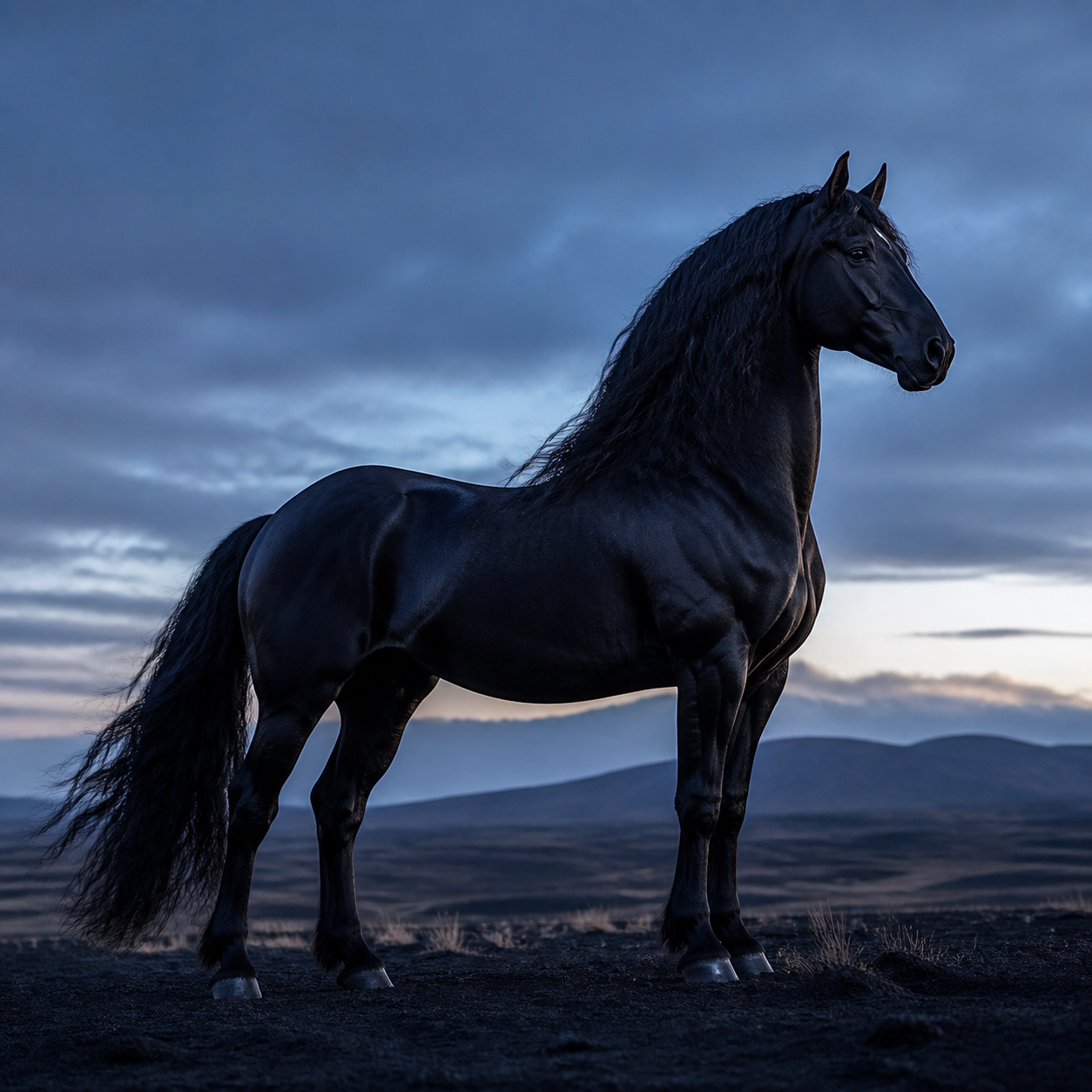
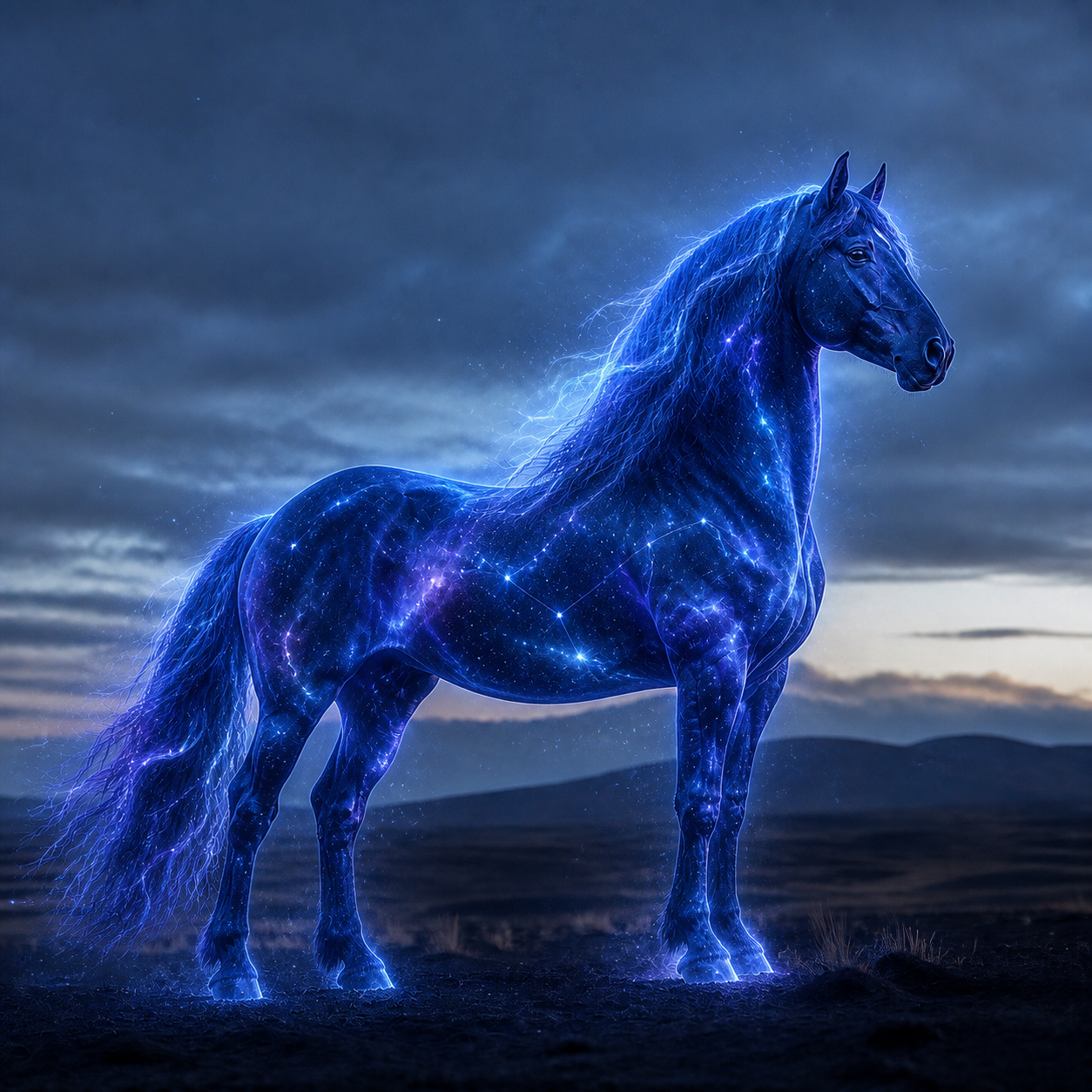
Image to Image AI edits or restyles a source while preserving the visual information you ask to keep, using prompt-based direction and a compatible image model.
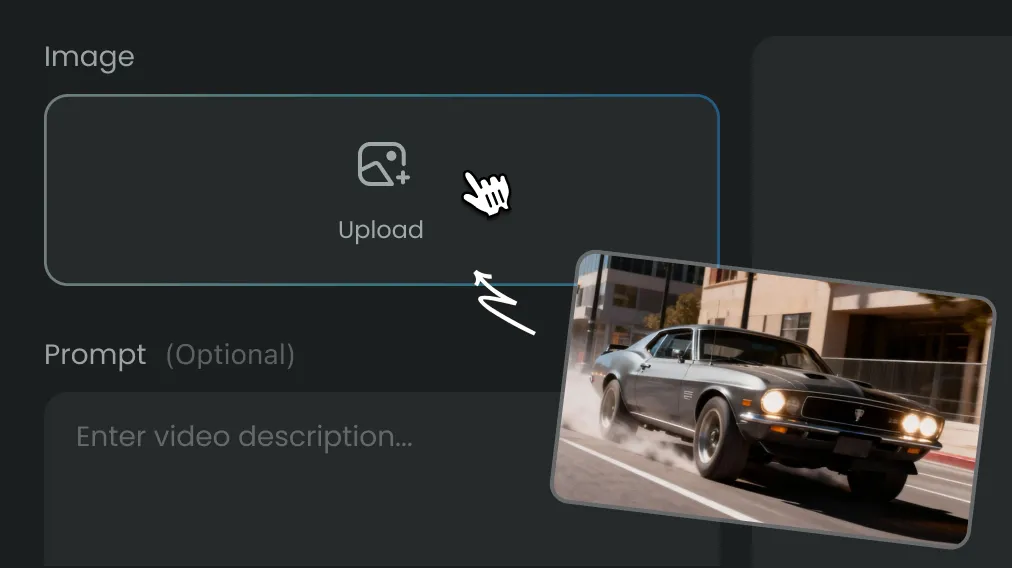
Upload a clear source, describe the change, choose a model and review the Credit estimate before generation.
It can adjust style, background, lighting, color, composition or selected details while using the original image as a reference.
It can retain important identity cues, although results vary. Clear faces, consistent instructions and moderate changes usually improve stability.
It often completes in under two minutes. High-resolution models and provider demand can increase processing time.
It can be tested with available signup Credits. The exact Credit requirement appears before each request.
Commercial use depends on your ownership of the source, active plan and the selected model provider's terms.
State what must stay unchanged, describe one main edit and avoid combining several conflicting styles in the same prompt.
Uploads remain in your workspace and are used to perform the generation requests that you initiate.
Every successful result is stored in Assets so you can review, download and compare earlier versions.
Create Stunning AI Videos All in One Stop
AIEnhancer replaces complex tools — faster, smarter, and more affordable.
 AIEnhancer