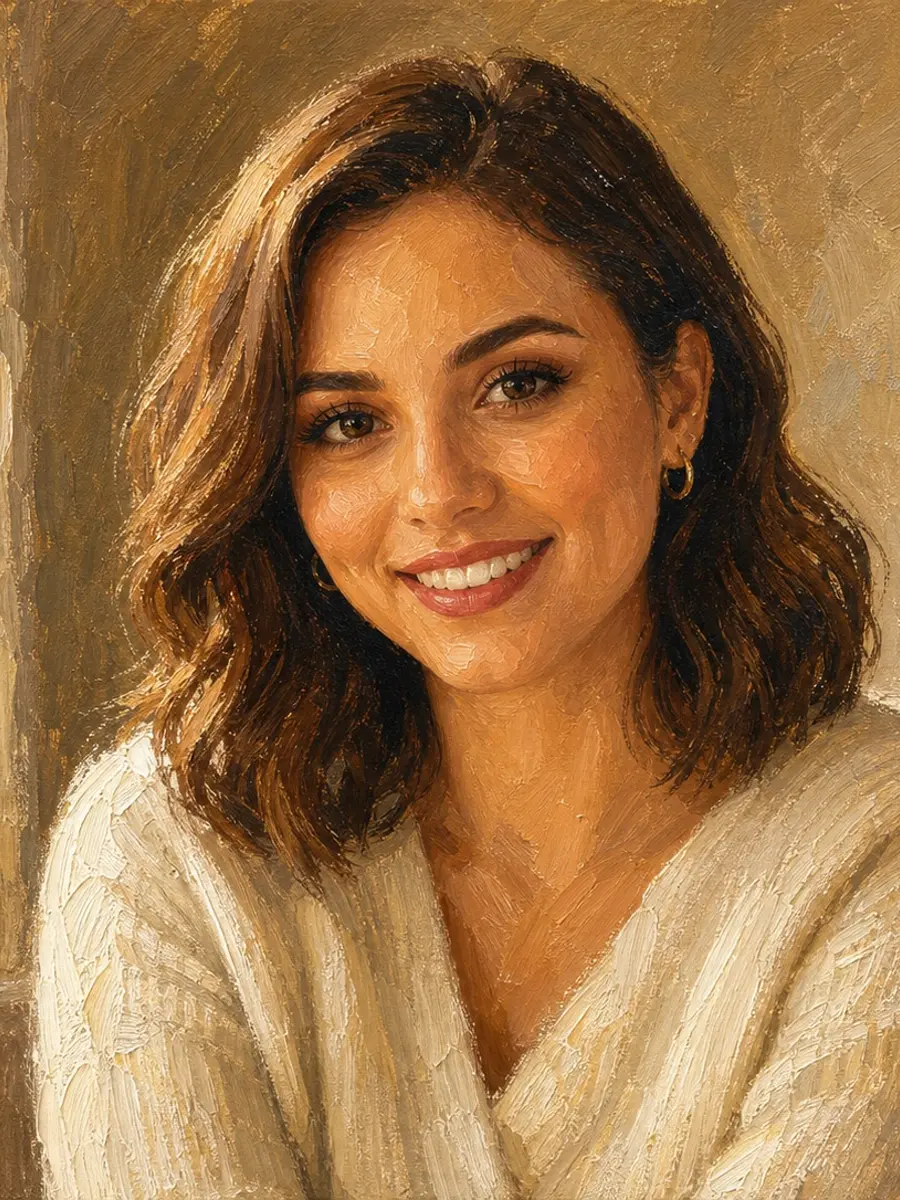
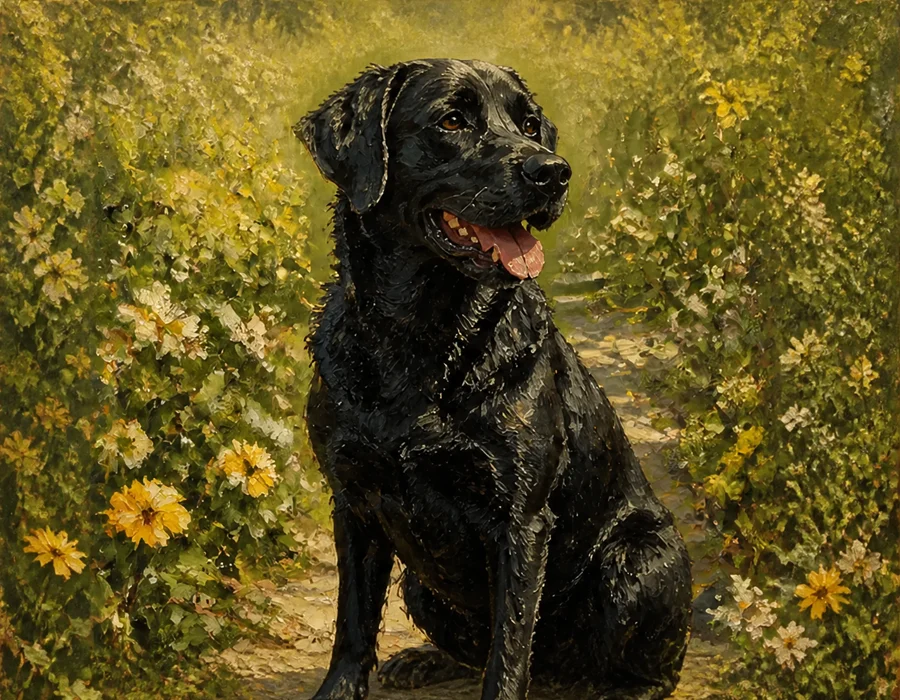
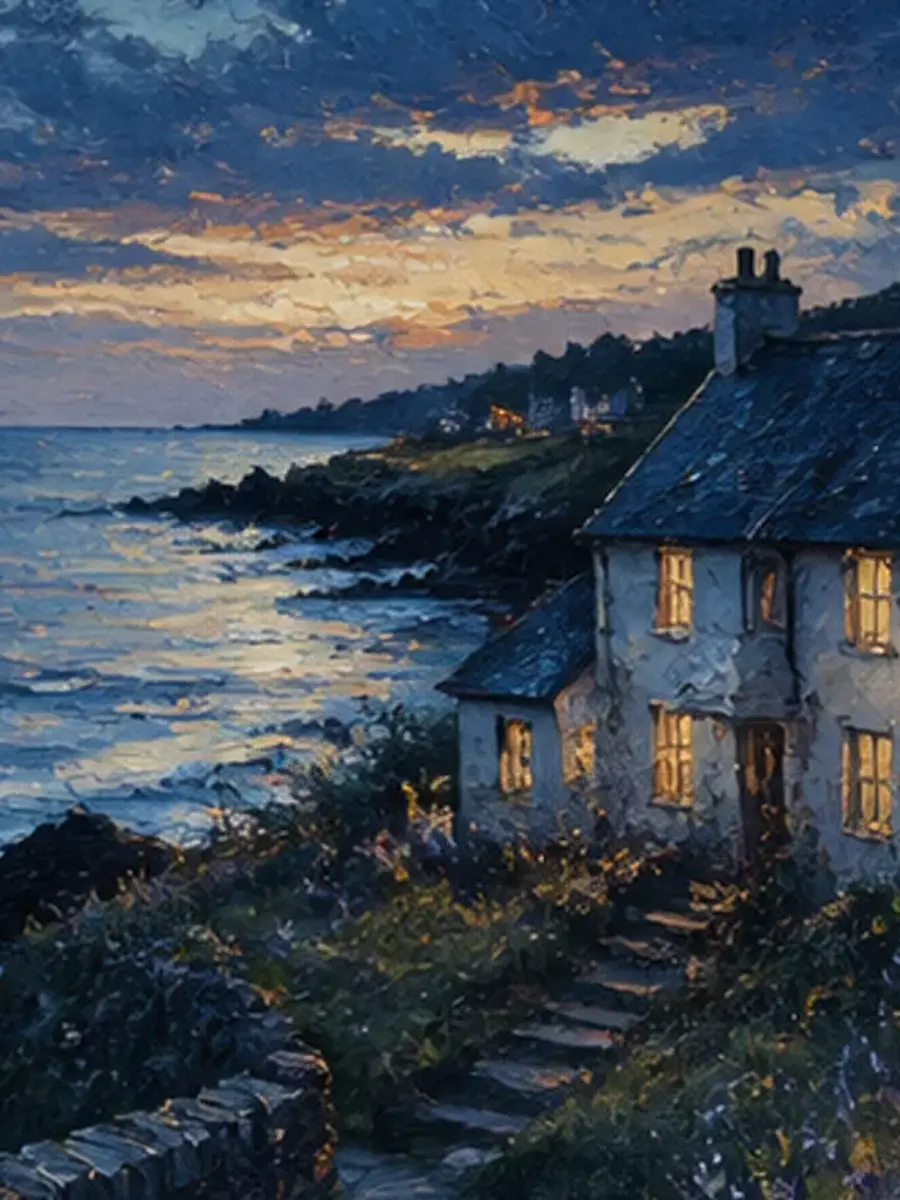
Portraits, pets and landscapes work best when the main subject is clear.
 AIEnhancer
Photo to Oil Painting with Gallery-Style Texture
Use Photo to Oil Painting in AIEnhancer to preserve the subject and composition while rebuilding photographic texture with layered brushwork and canvas grain.
Photo to Oil Painting Scenes & Moments
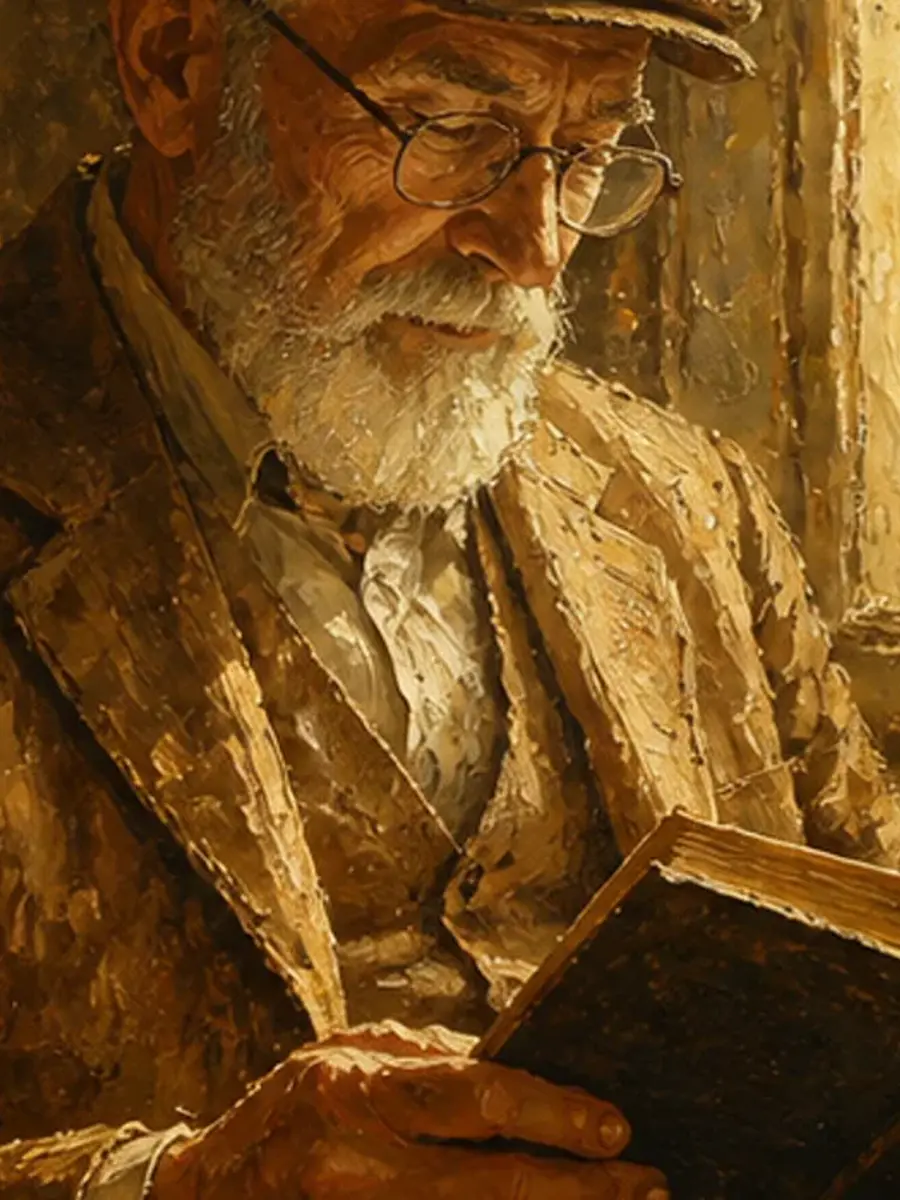
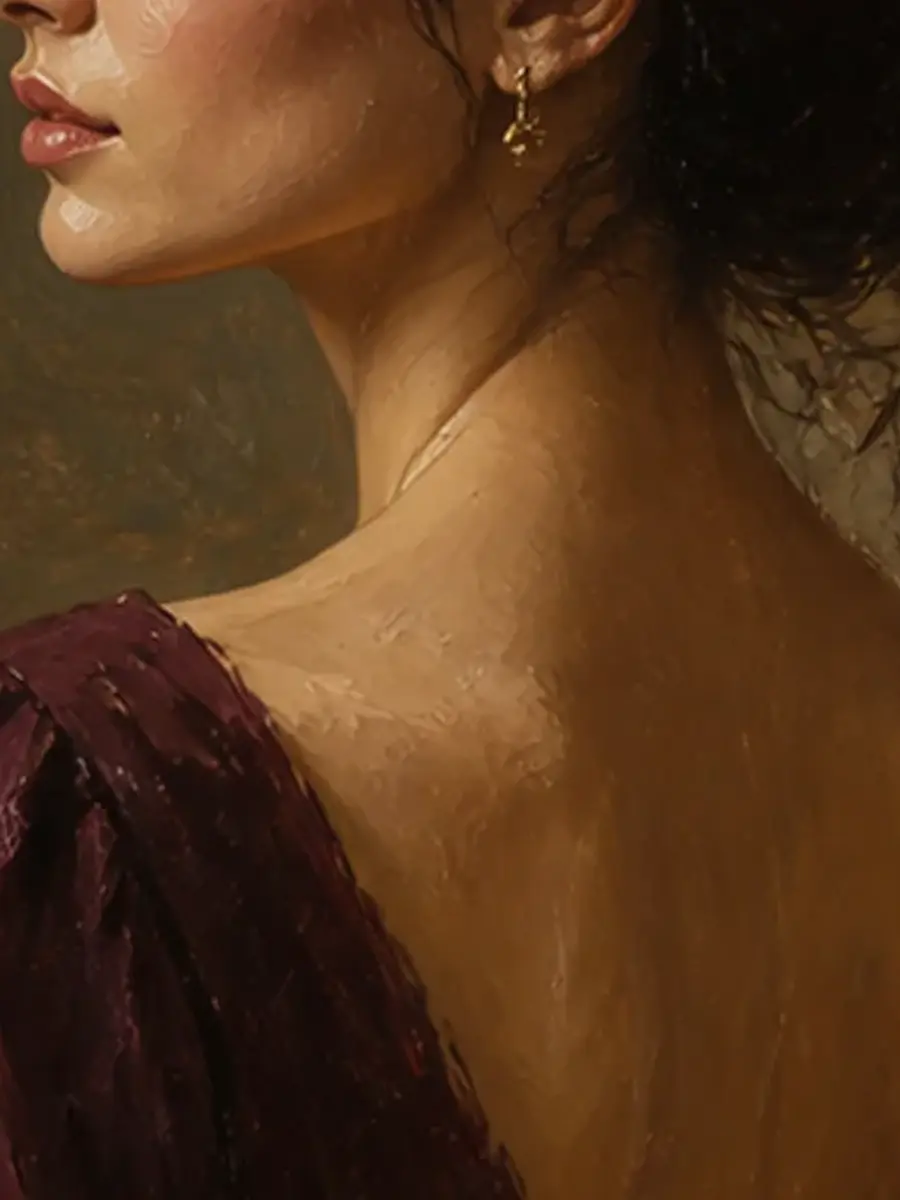
Compare portrait directions that use Photo to Oil Painting for warm color depth, visible brushwork and a recognizable result.
How to Use Photo to Oil Painting in Three Steps
The workflow already includes a compatible model and focused prompt that you can refine before generation.
Start generation, review the finished result in My Work and download the version you want to keep.
Why Use AIEnhancer for Photo to Oil Painting
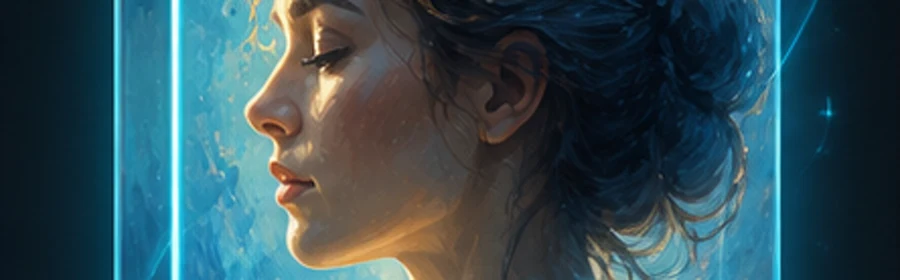
Recognizable subjects
Recognizable subjects keeps the workflow focused, understandable and ready for another iteration.
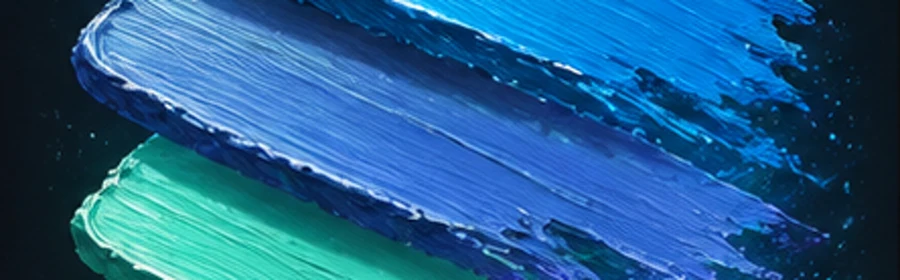
Layered brush texture
Layered brush texture keeps the workflow focused, understandable and ready for another iteration.
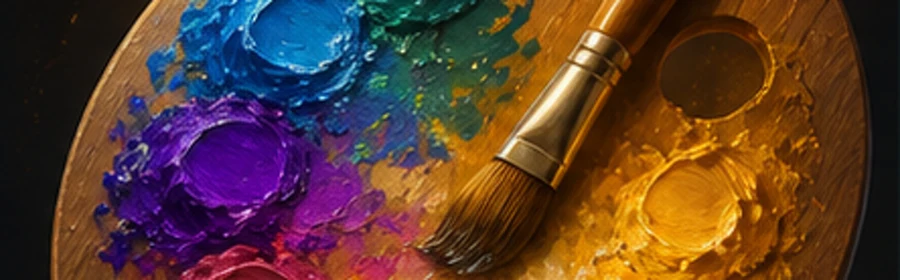
Natural color depth
Natural color depth keeps the workflow focused, understandable and ready for another iteration.
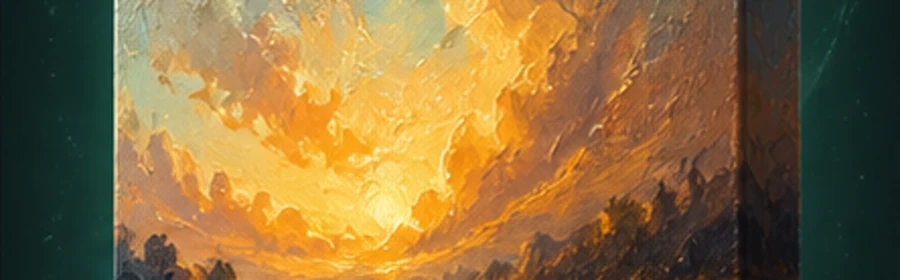
Gallery-ready finish
Gallery-ready finish keeps the workflow focused, understandable and ready for another iteration.
Photo to Oil Painting Frequently Asked Questions


Create Stunning AI Videos
All in One Stop
AIEnhancer replaces complex tools — faster, smarter, and more affordable.