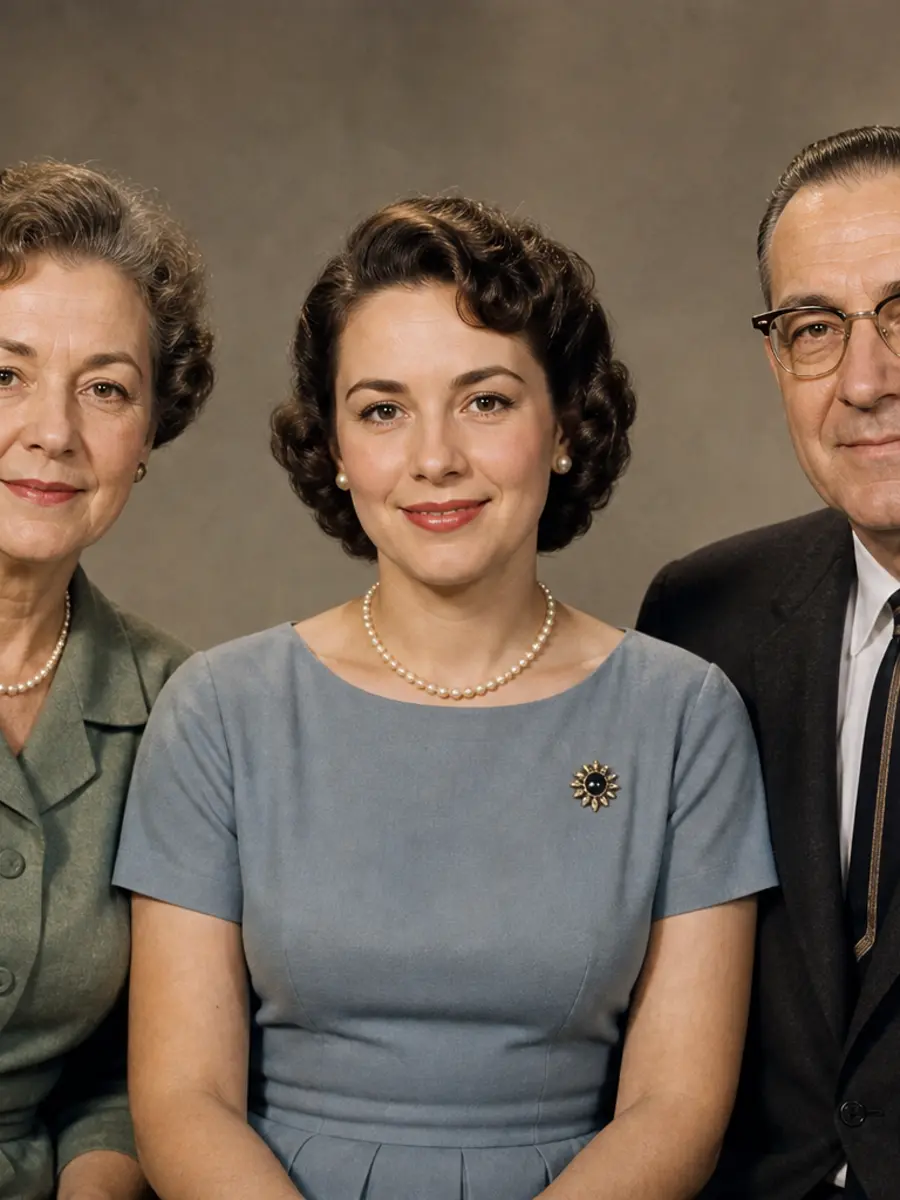
Use the clearest scan or phone capture available and avoid glare.
 AIEnhancer
Old Photo Restoration AI for Faded Family Photos
Repair scratches, fading, stains and soft facial detail with AIEnhancer Old Photo Restoration AI while preserving the original era and character of the photograph.
Old Photo Restoration AI Scenes & Moments
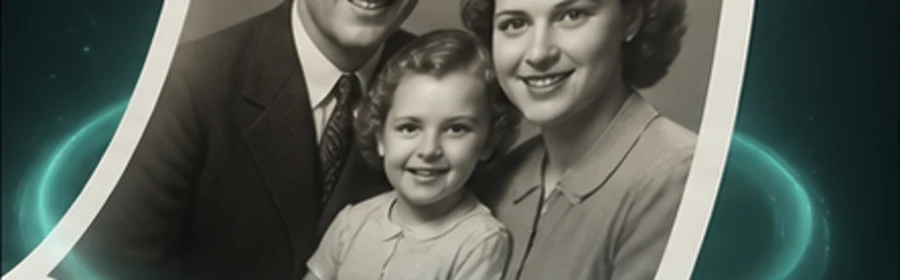
Review how Old Photo Restoration AI balances repair, natural color and retained film character across personal archive images.
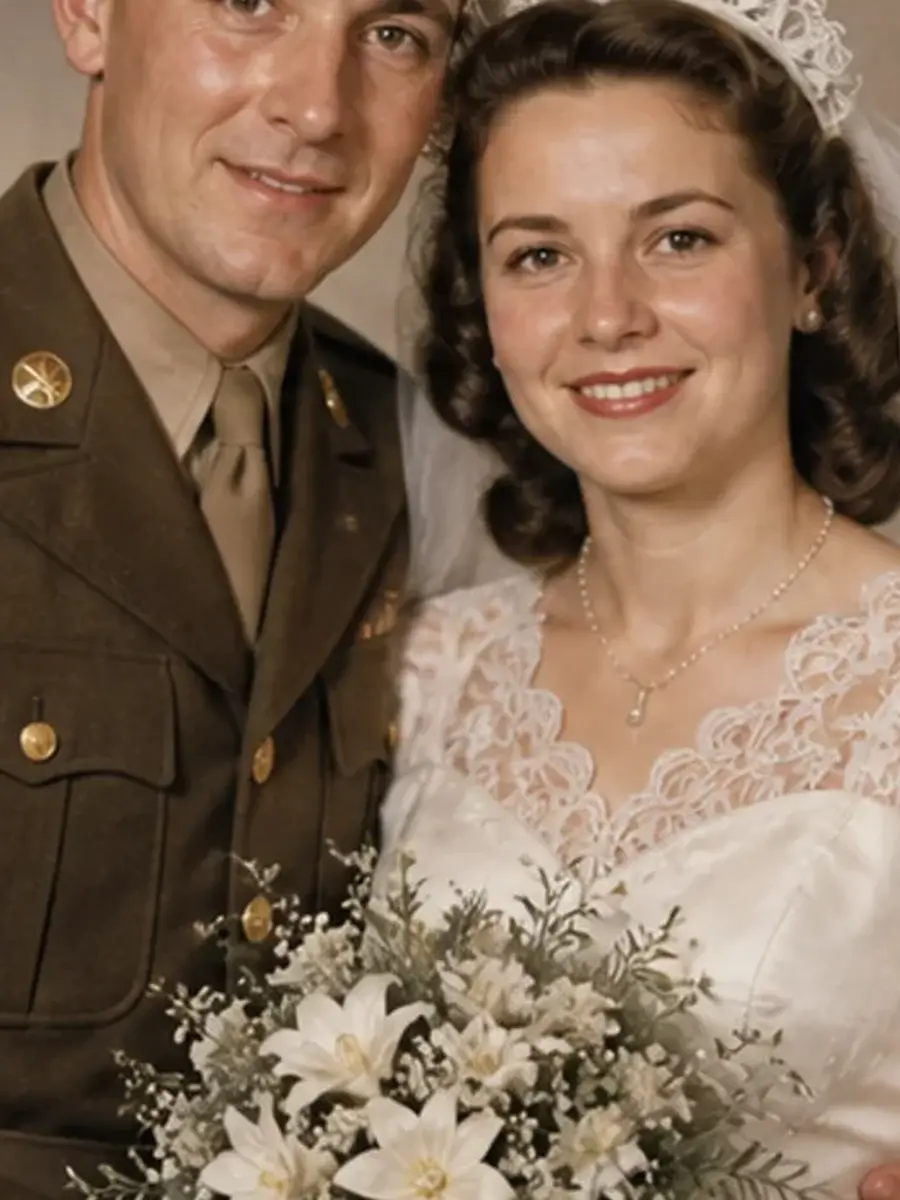
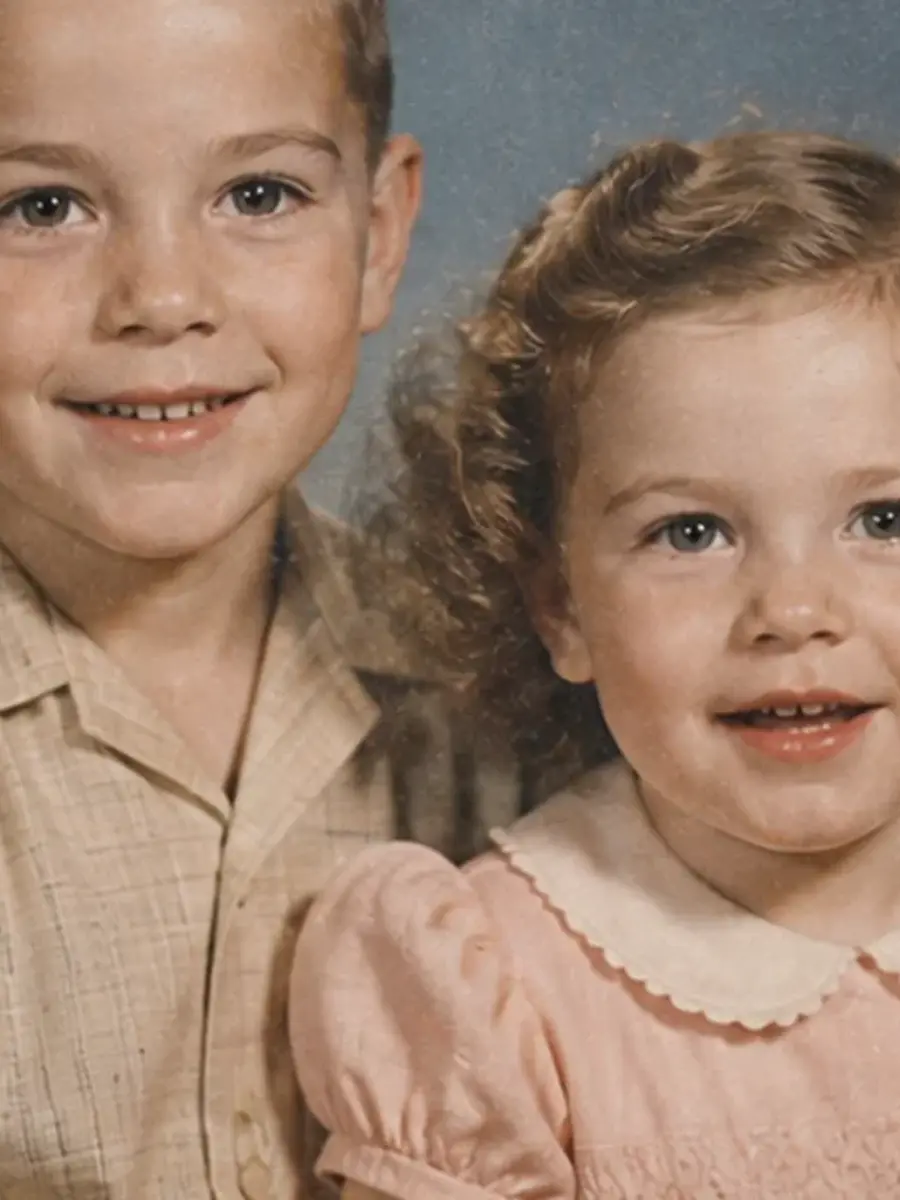
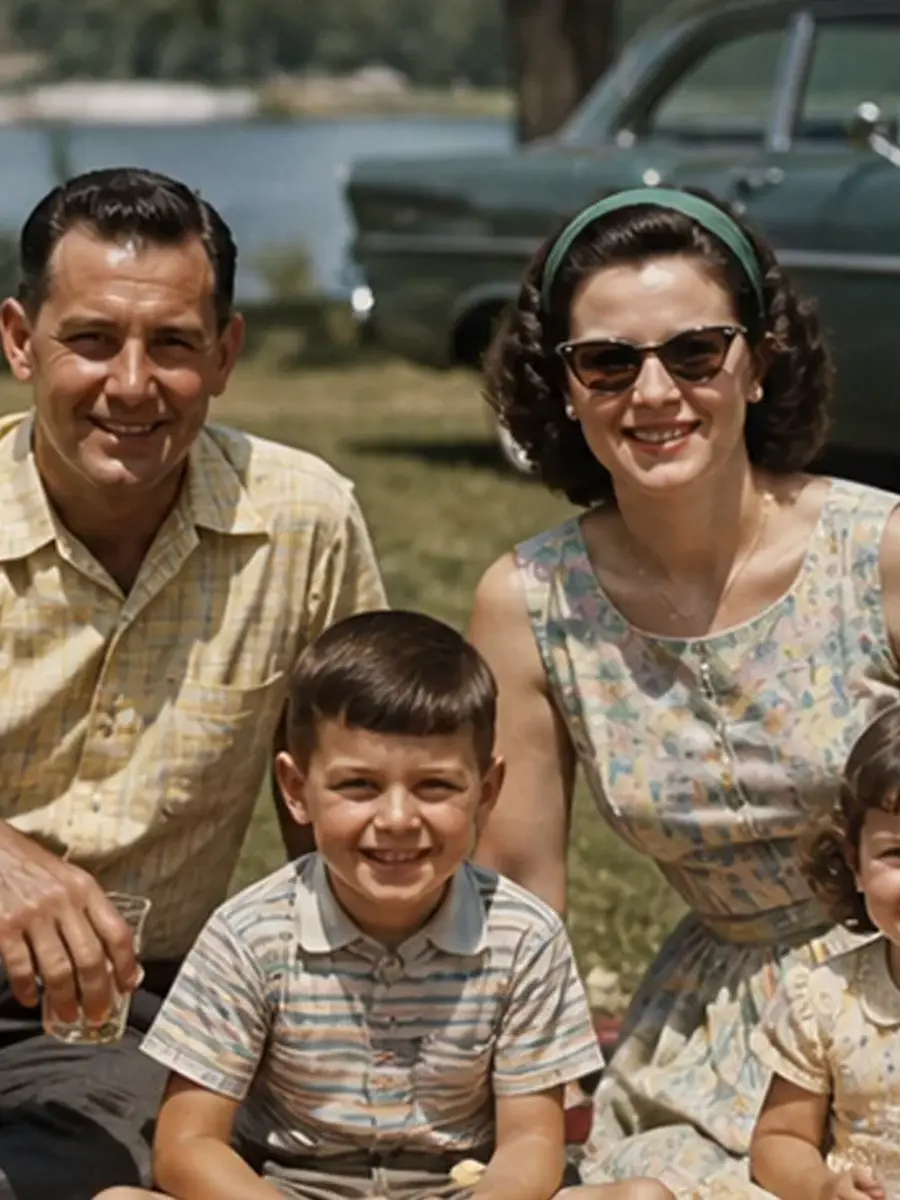
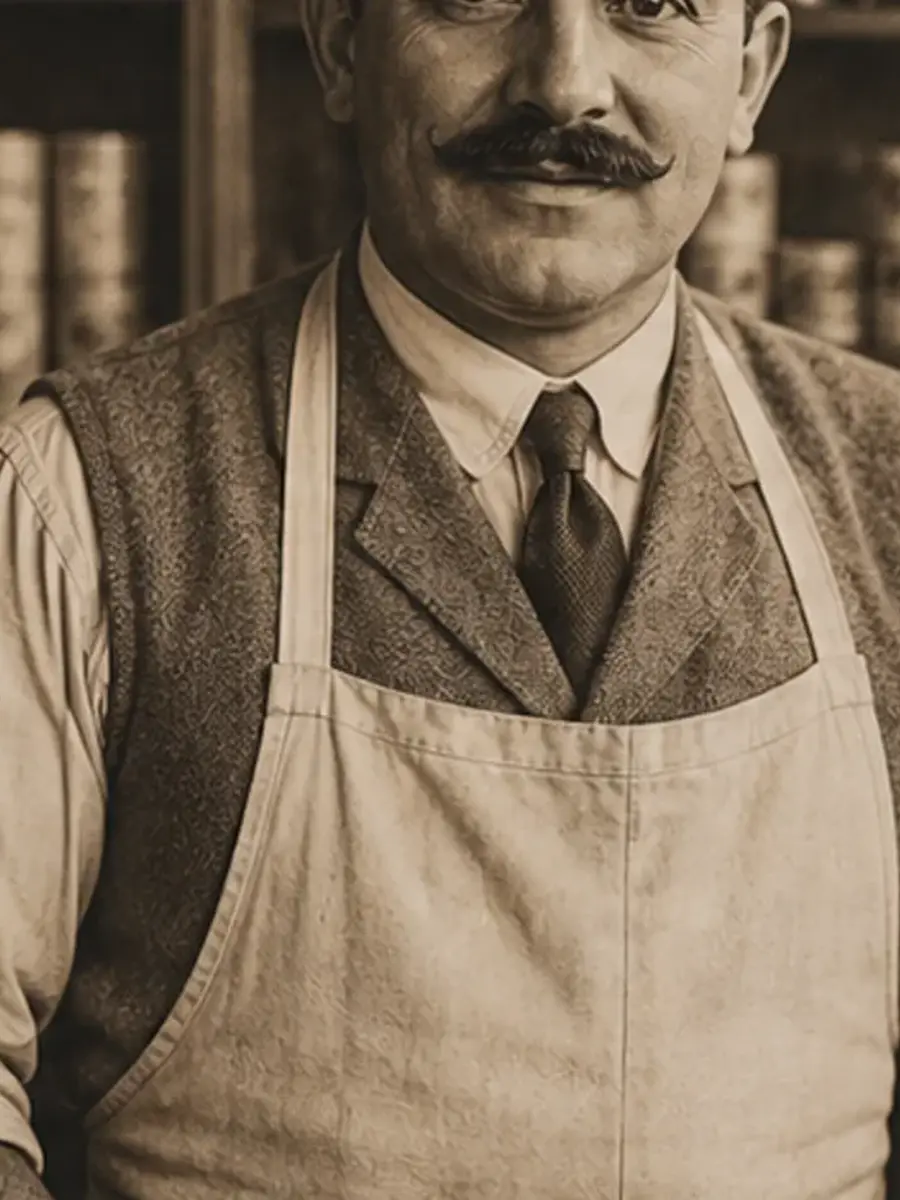
How to Use Old Photo Restoration AI in Three Steps
The workflow already includes a compatible model and focused prompt that you can refine before generation.
Start generation, review the finished result in My Work and download the version you want to keep.
Why Use AIEnhancer for Old Photo Restoration AI
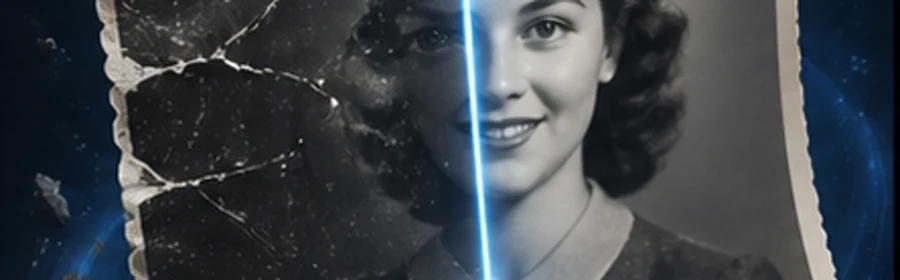
Scratch and stain repair
Scratch and stain repair keeps the workflow focused, understandable and ready for another iteration.
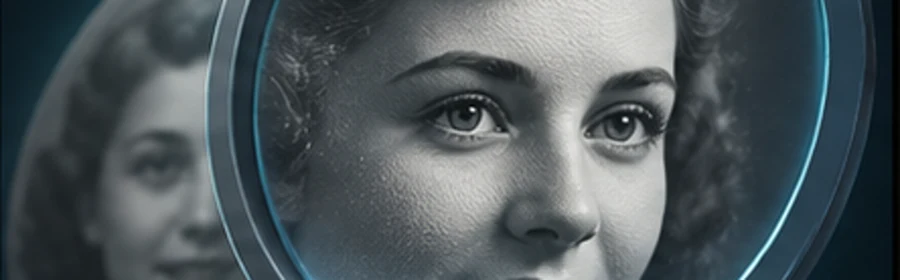
Natural face detail
Natural face detail keeps the workflow focused, understandable and ready for another iteration.
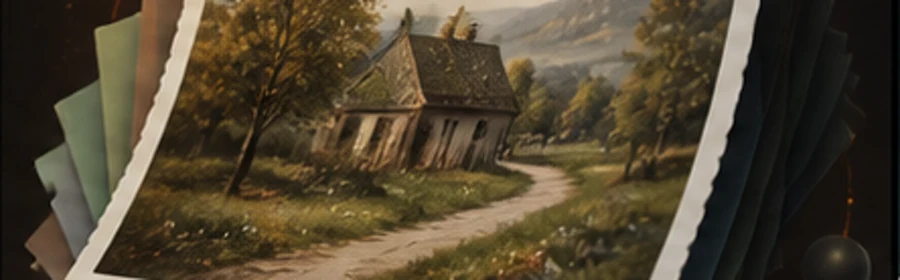
Era-aware colorization
Era-aware colorization keeps the workflow focused, understandable and ready for another iteration.
Print-ready restoration
Print-ready restoration keeps the workflow focused, understandable and ready for another iteration.
Old Photo Restoration AI Frequently Asked Questions


Create Stunning AI Videos
All in One Stop
AIEnhancer replaces complex tools — faster, smarter, and more affordable.