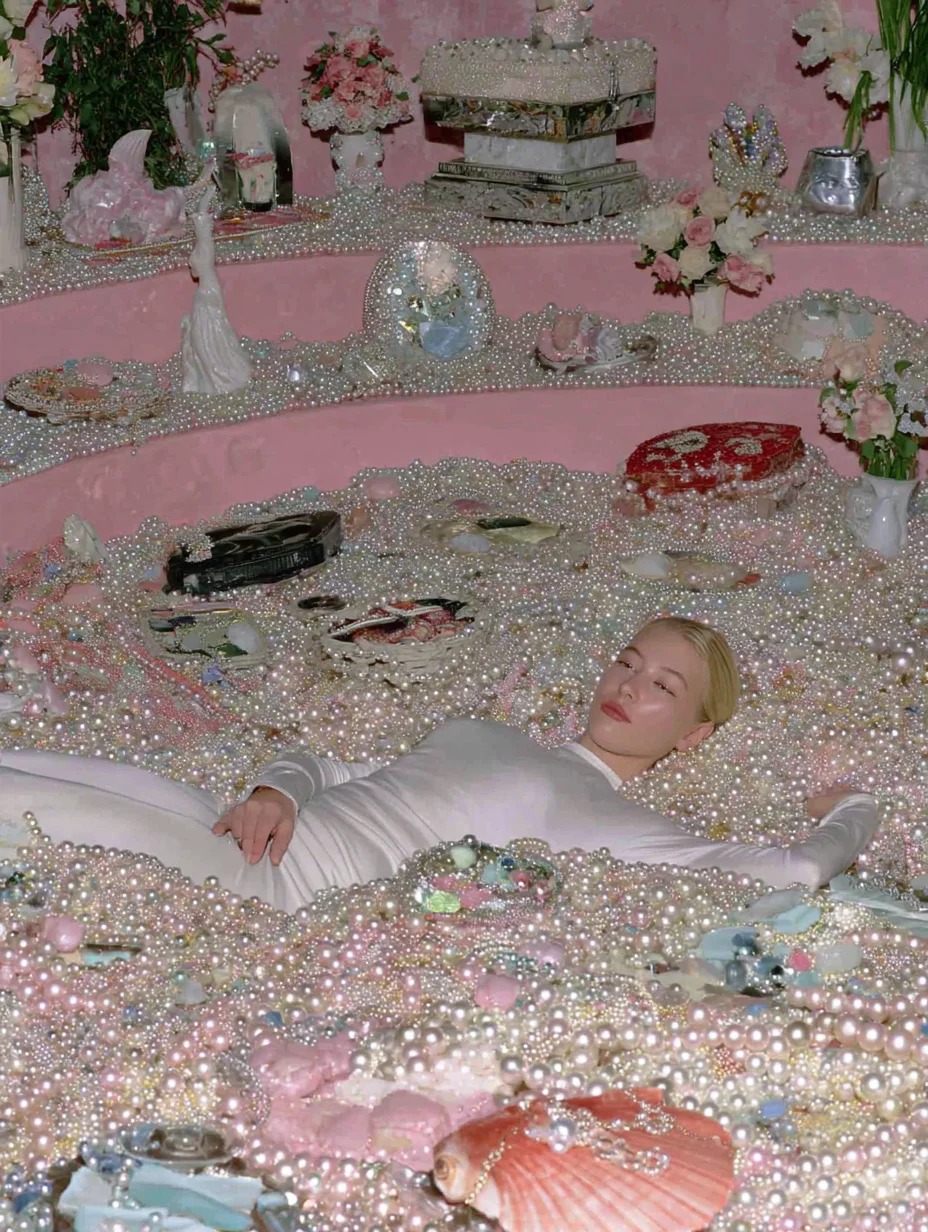
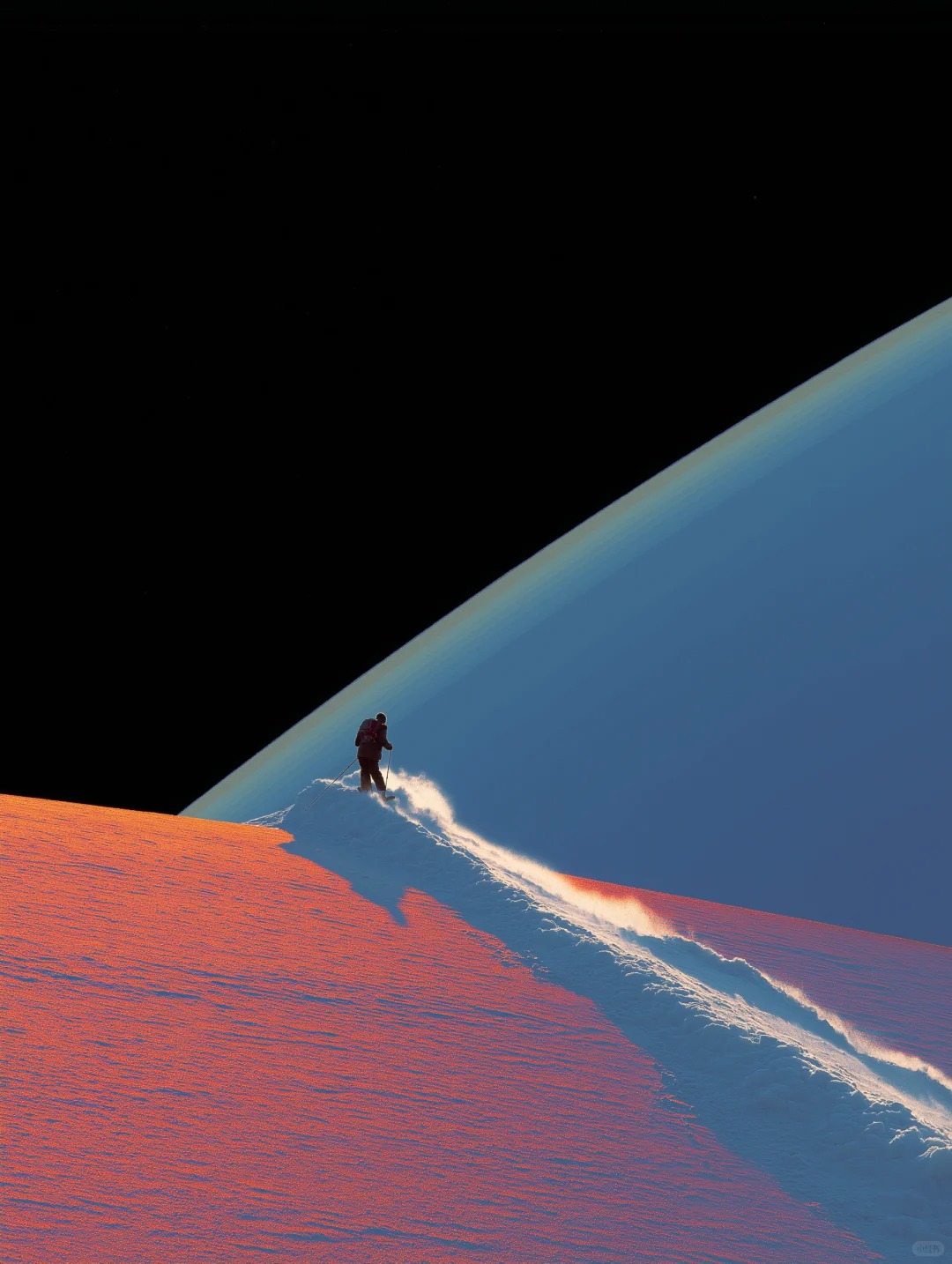
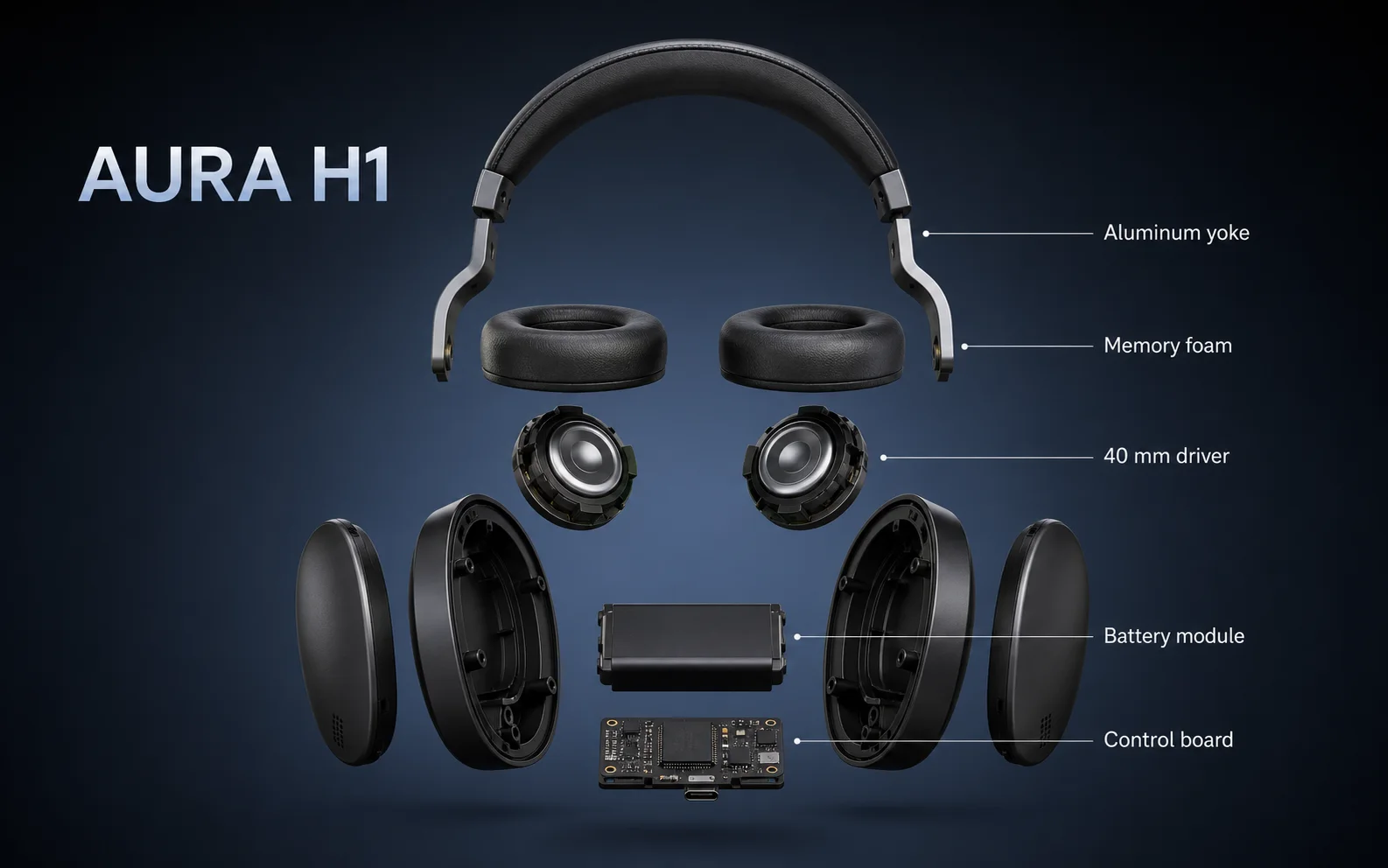
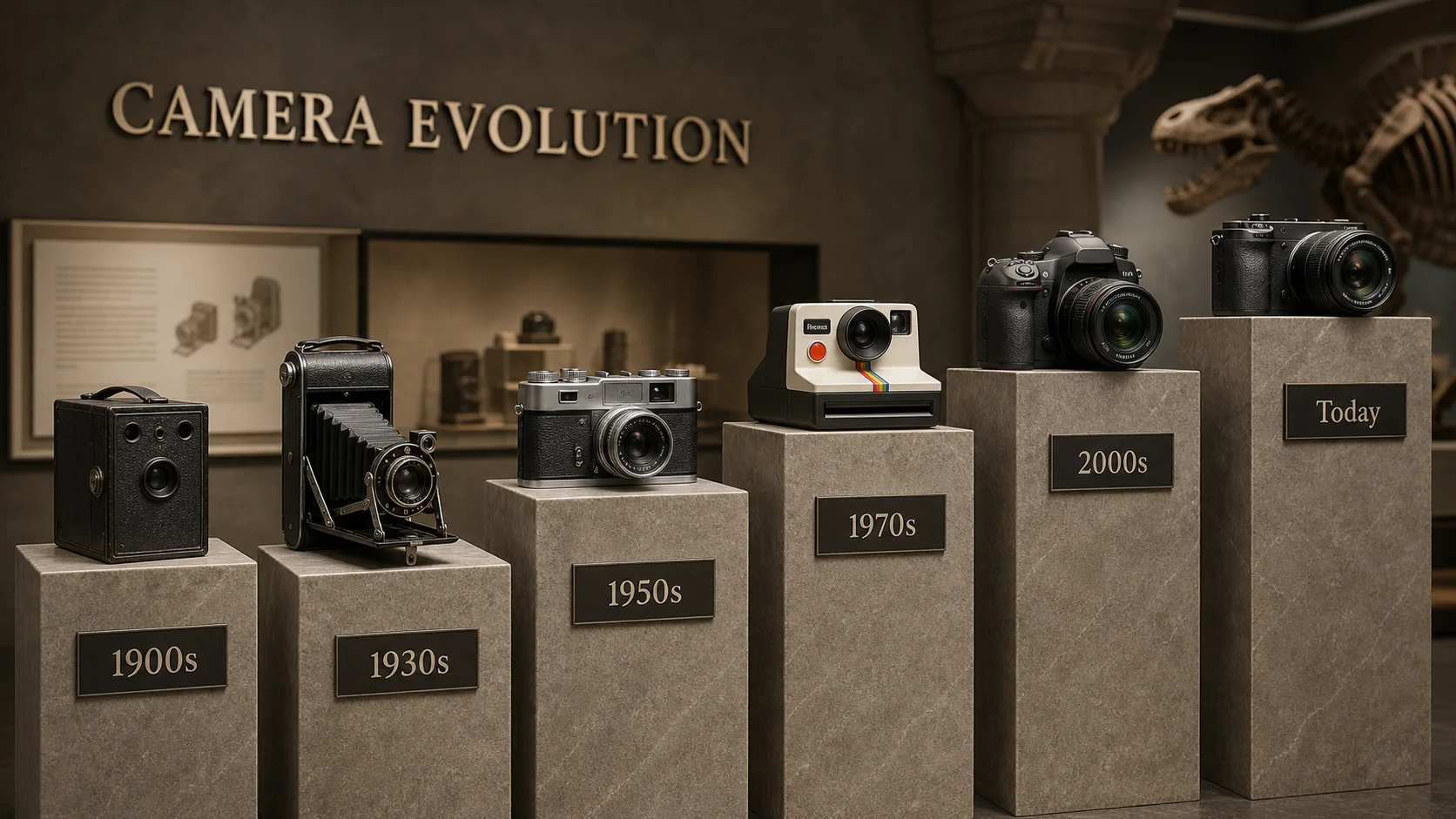
This is an overhead photograph taken in a room filled with floating pearls and diamonds. In a medium shot, the model is positioned in the center of the frame, occupying 60% of the height, creating a balanced composition with room to breathe. The floor is piled high with large pearls and diamonds, along with some metallic seafood debris. The model is buried in pearls, with only her limbs and face visible. The soft pastel background is reminiscent of Tim Walker's style, blending elements of Greek sculpture and Gustav Klimt, with stylistic features reminiscent of David Lachapelle. The photograph was taken with an ultra-wide-angle fisheye lens, employing extreme barrel distortion, strong spherical curvature, and hemispherical perspective.
Why Use Text to Image AI in AIEnhancer
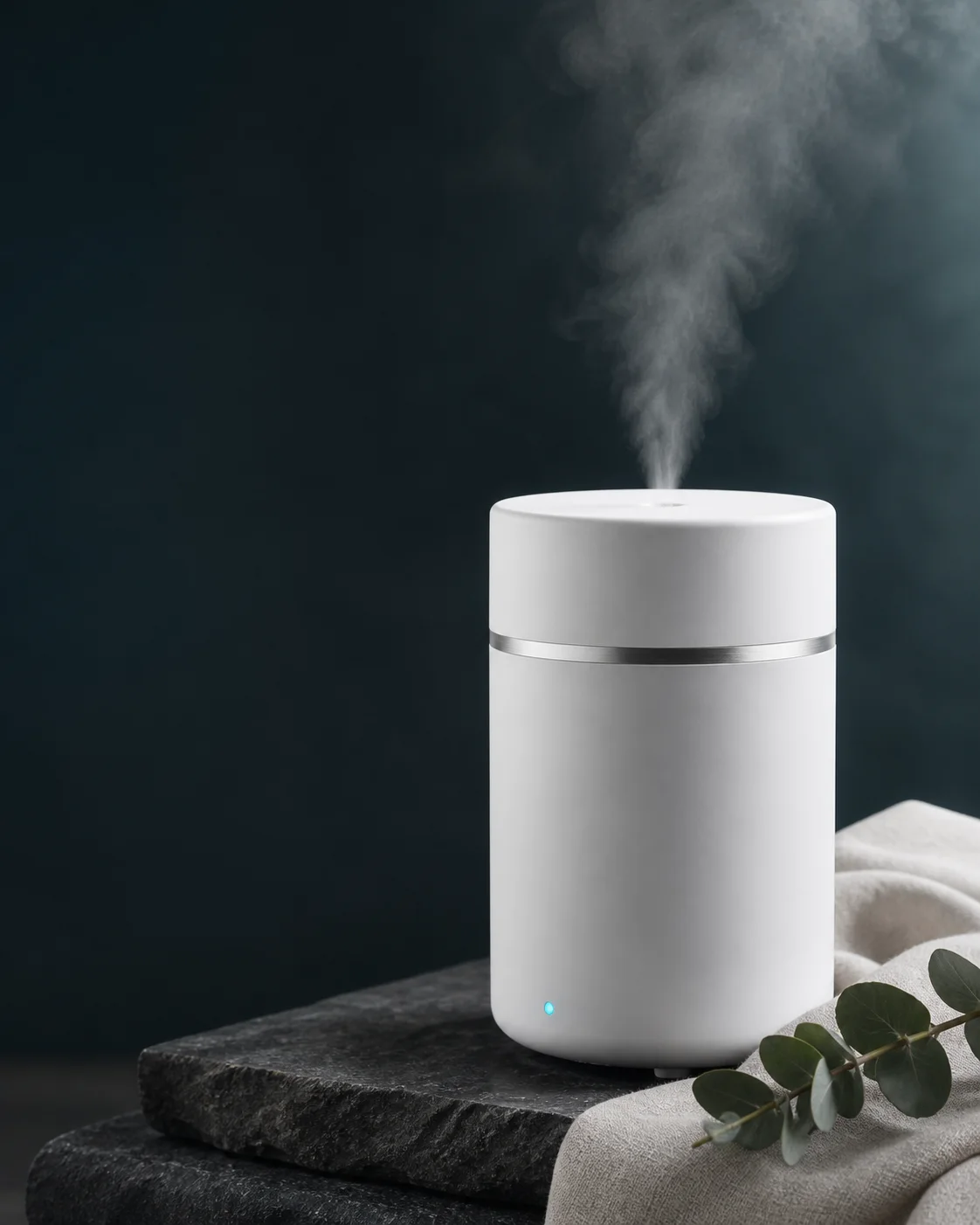
Text to Image AI turns a written idea into polished artwork, portraits, posters and product visuals while keeping model choice, format and every completed result in one browser workflow.
See Text to Image AI Take Shape.
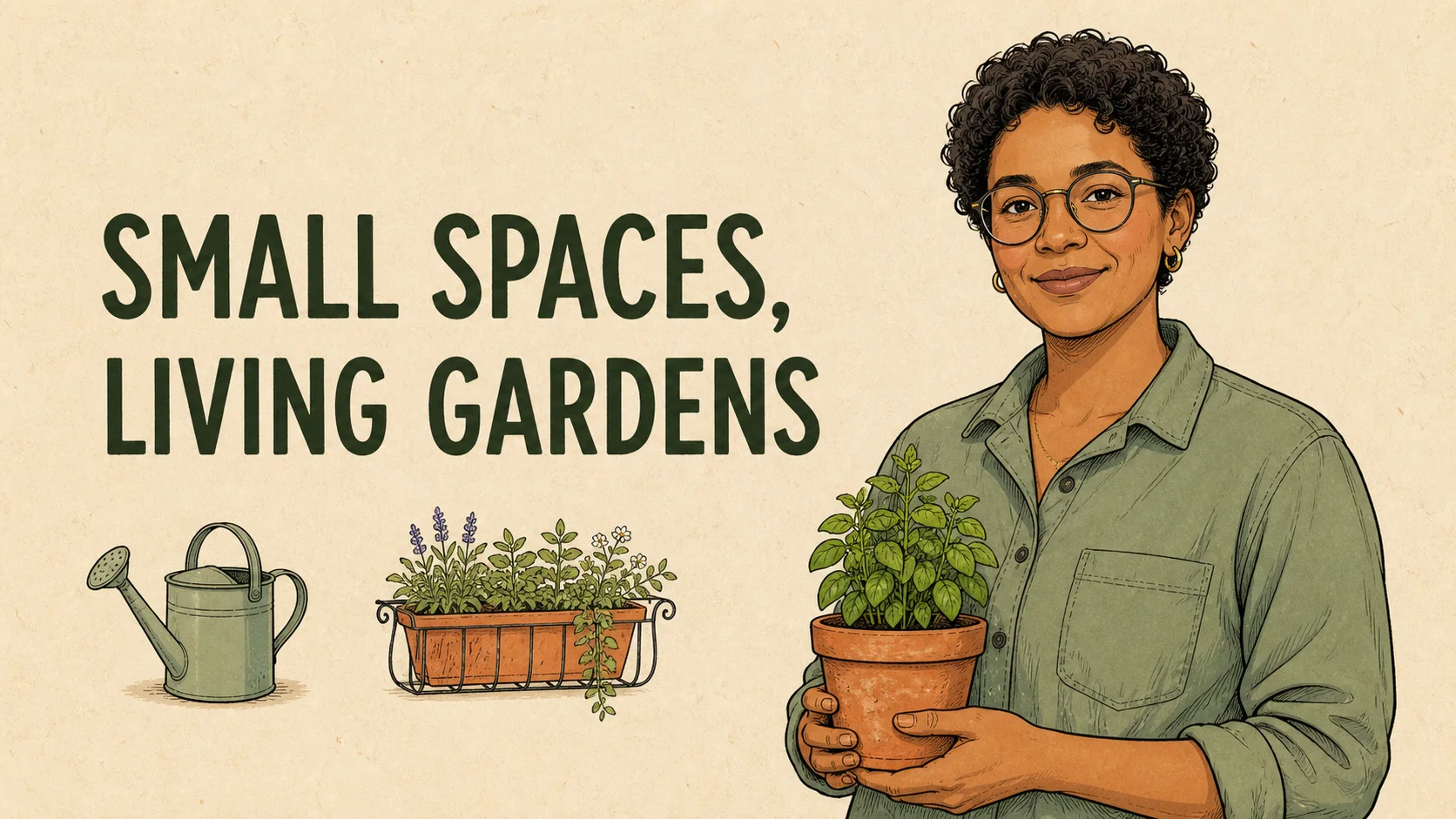
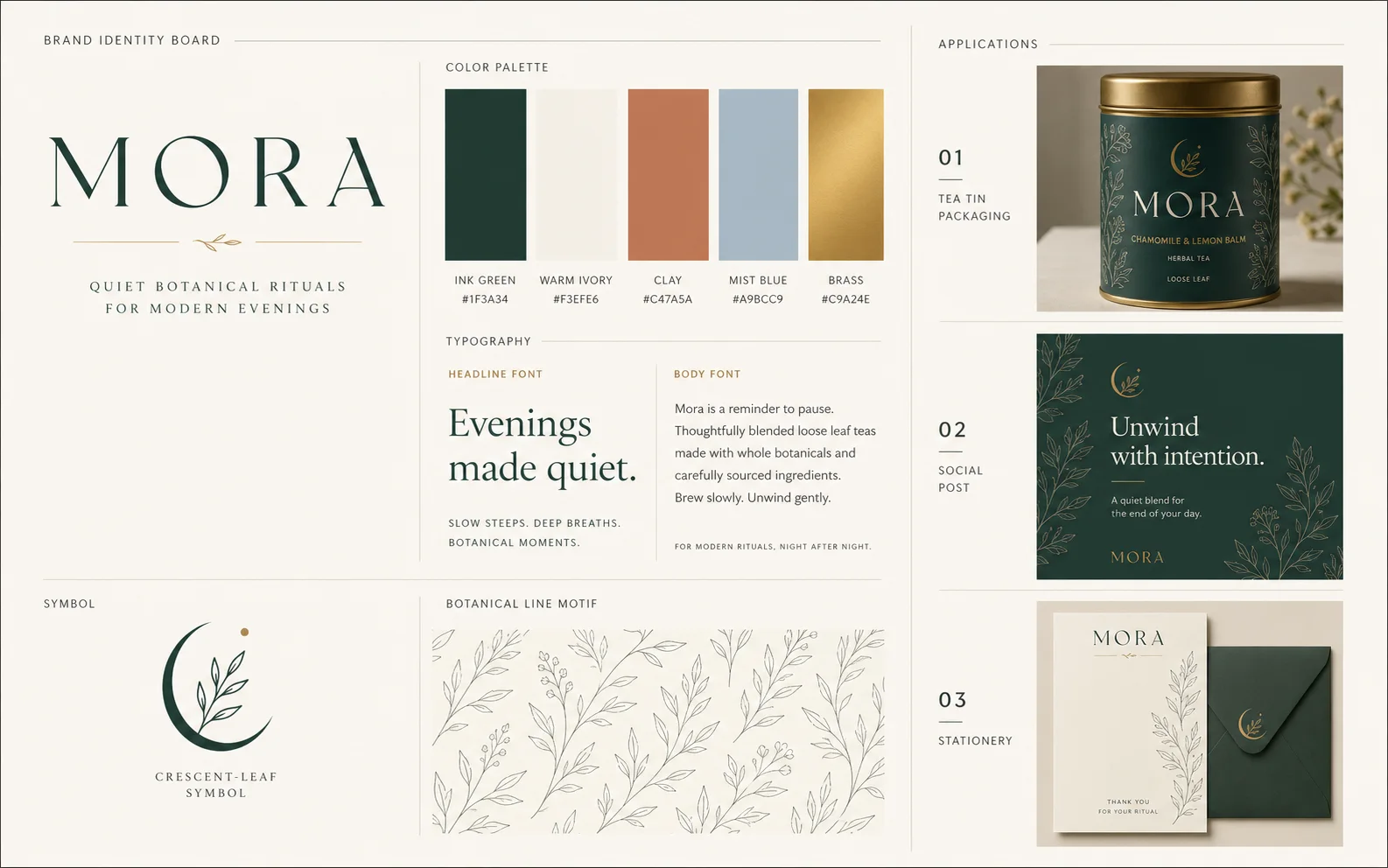
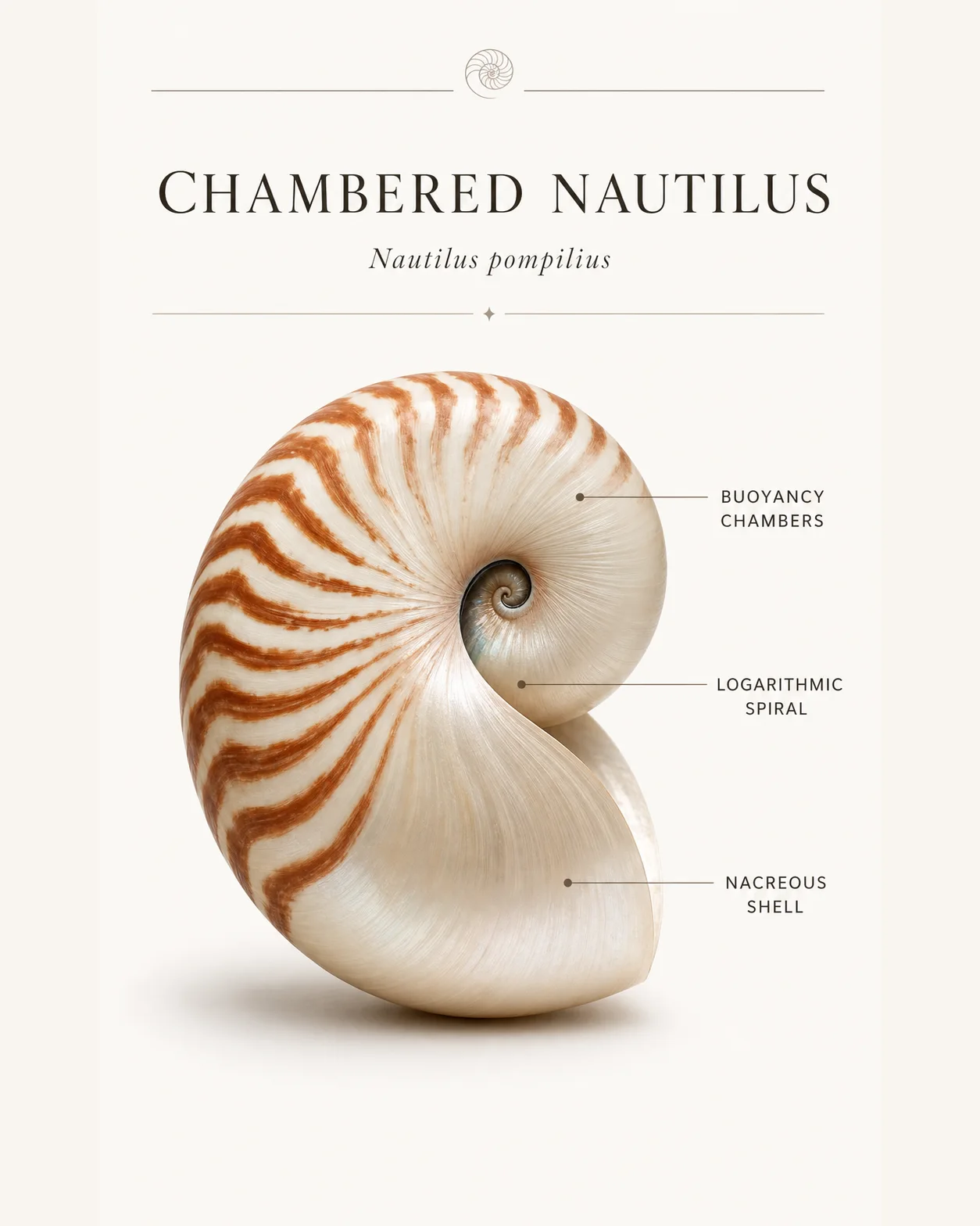
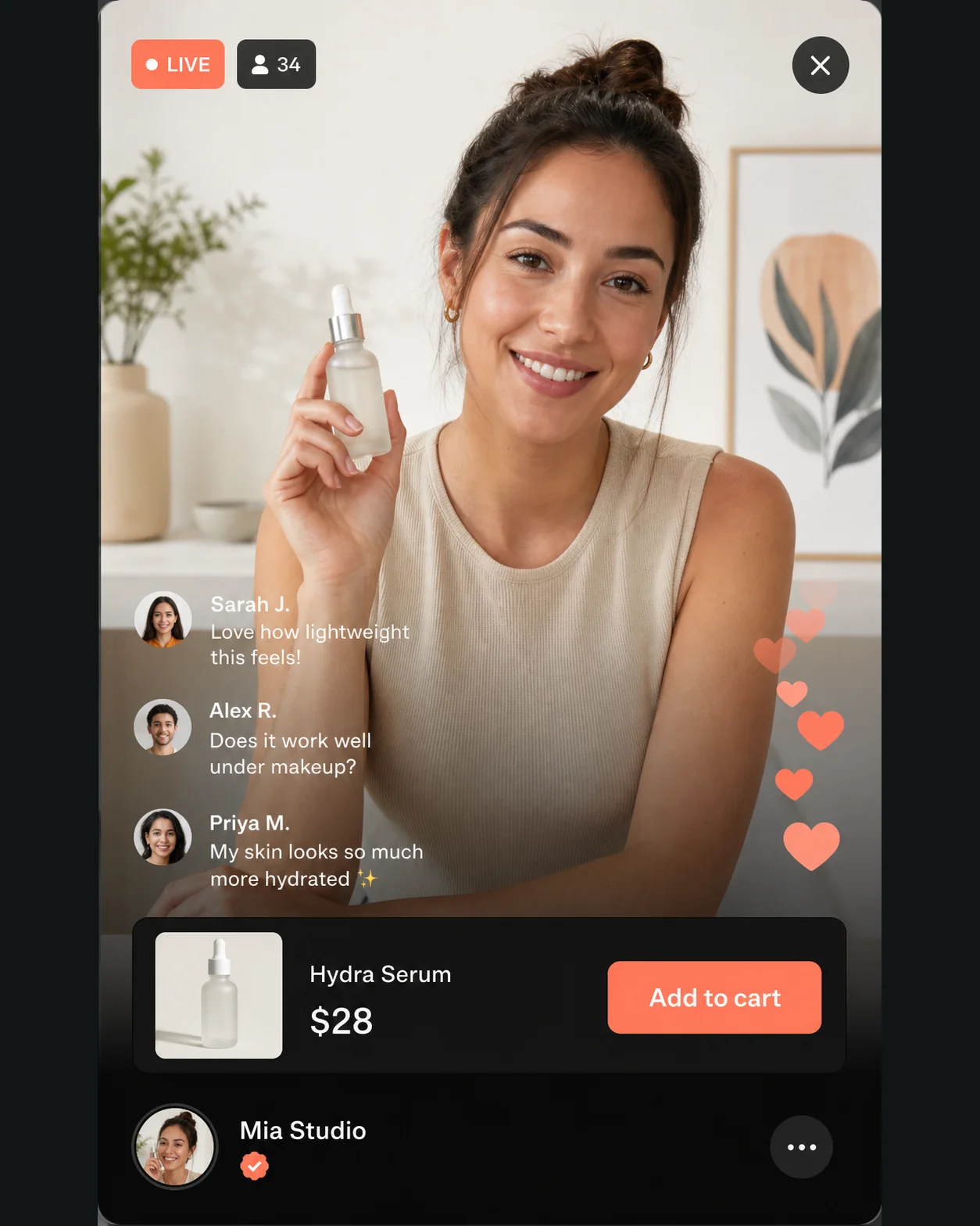
Explore how Text to Image AI translates precise descriptions into photography, campaign design, technical graphics and expressive visual styles.
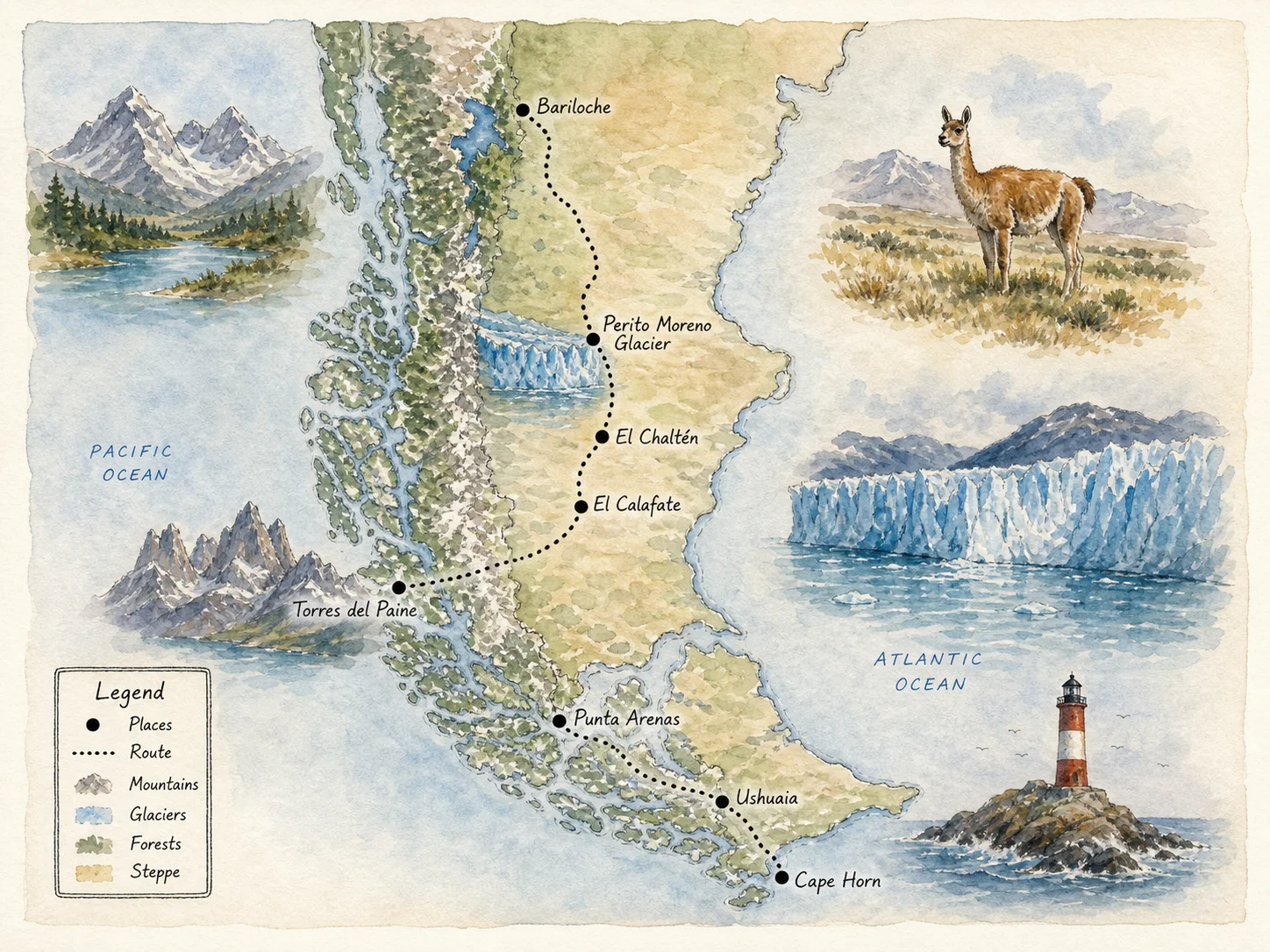
A hand-painted watercolor travel map of Patagonia, with a clearly marked route, glaciers, mountains, wildlife, a compact legend and elegant handwritten labels on warm archival paper.
Text to Image AI Generation Models
Move between fast drafting, precise typography, photorealism and stylized art without rebuilding the creative brief.
All-in-One Text to Image Tool
Text to Image AI takes a prompt from first concept to a production-ready visual.
Social-Ready Creative
Create posters, announcements and campaign visuals in platform-friendly formats.
High-Fidelity Output
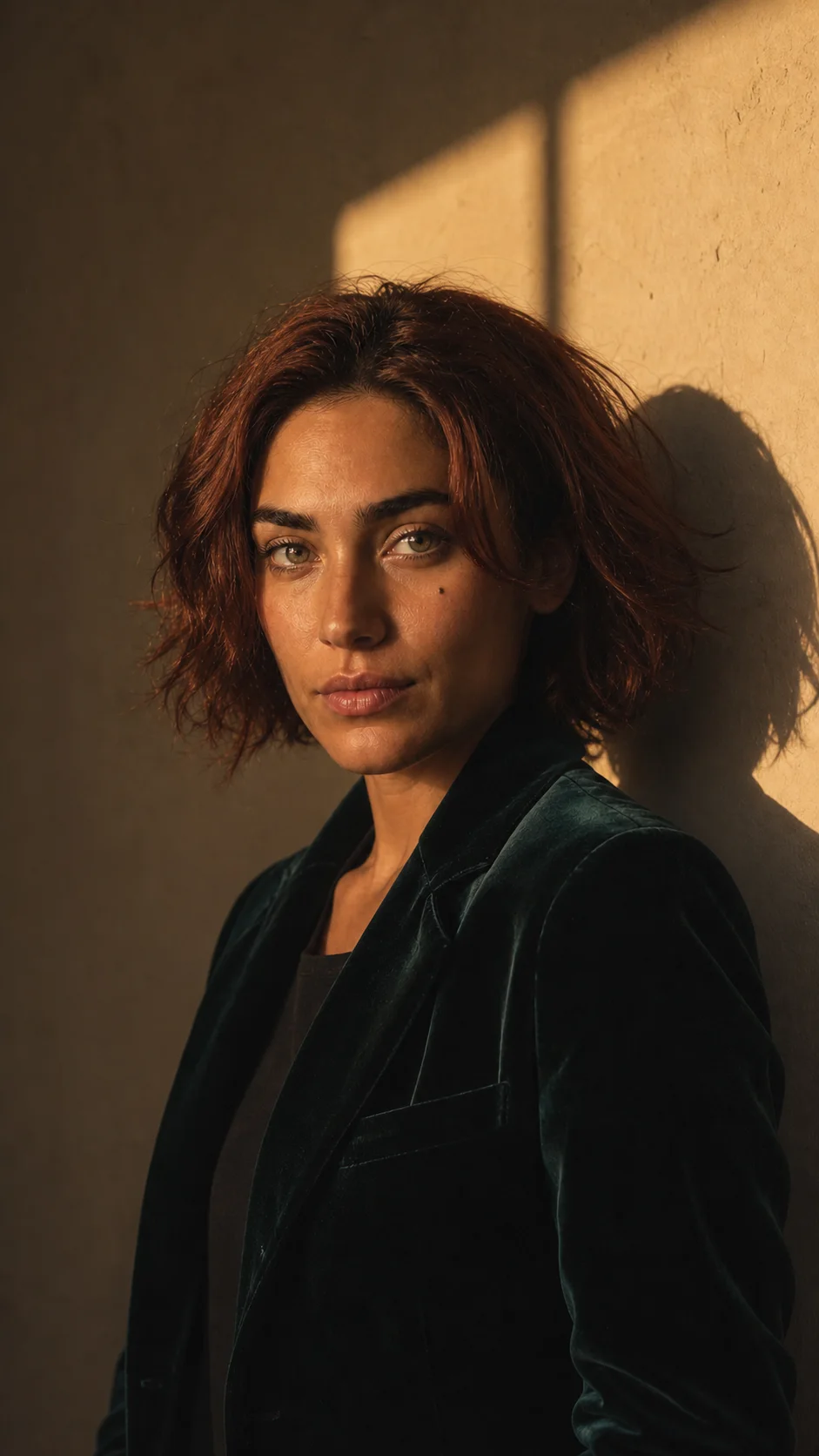
Produce detailed portraits and polished visuals with model-specific quality controls.
Prompt-Led Precision
Direct composition, hierarchy, typography, lighting and style in ordinary language.
Faster Production
Explore more image directions without a shoot, stock search or complex design setup.
How to Create AI Images from Text
Use Text to Image AI in three clear steps: choose a model, write a detailed prompt, then generate and review the result.
Affordable Plans for Every Image Creator
Start with available signup Credits, then choose the Text to Image AI plan that matches your production volume.
FOR EXPLORING
Lite
Perfect for beginners exploring AI
$9.99/month$12.99
Billed annually at $119.88
Secure checkout · switch anytime
3,000Credits per Month
ESTIMATED MONTHLY OUTPUT Up to 100 images Up to 50 videosBased on standard settings. Model, duration and resolution affect usage.
Secure checkoutEncrypted by the payment providerClear billingSee every term before payingClean deliveryNo watermark on paid downloadsFailure protectedFailed jobs return Credits
It converts a written description into an original visual using the image model, aspect ratio and quality settings you select.
Choose a model, describe the subject and visual direction, select a format, review the Credit estimate and generate.
The generator works best when a prompt clearly defines the subject, environment, composition, lighting, color palette, medium and important details without conflicting instructions.
AIEnhancer supports Nano Banana, GPT Image, Midjourney and Z-Image. Available controls and Credit costs vary by model.
Yes. Models with stronger typography can produce labels, headlines and poster copy, although short exact text and a clear layout request usually work best.
You can test it with available signup Credits, and AIEnhancer shows the required amount before each generation begins.
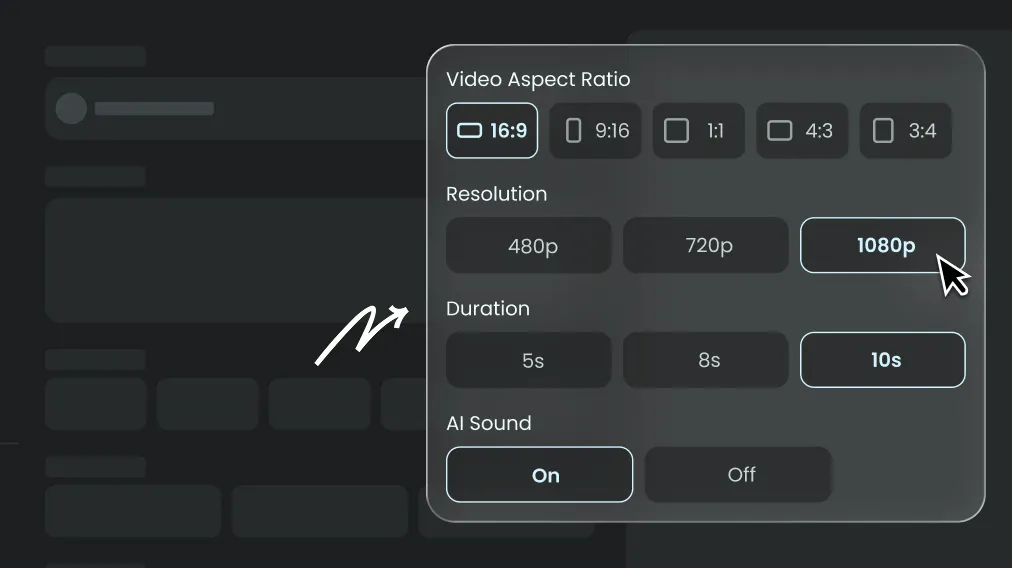
Yes. Select a square, portrait or landscape ratio and describe the intended platform, layout, subject and safe space for any copy or logo you plan to add.
Most requests finish within a few minutes, while resolution, model choice and provider demand can change processing time.
Refine one variable at a time, keep the visual hierarchy clear and state what matters most. Reusing a strong prompt also makes comparisons easier across models.
Every completed result appears in My Work, where you can review and download it. A result is only added to Elements when you explicitly choose Save as Element.
Commercial use depends on your active plan, the selected model terms and the rights attached to your prompt materials. Review those terms before publishing any output.
Create Stunning AI Images All in One Place
Turn a sentence into a finished visual with Text to Image AI, or refine an existing picture with Image to Image AI.
 AIEnhancer